
How to Choose Mobile Data Transfer Software for Android and iOS
This guide helps Android and iOS users choose WebStore9 Mobile Data Transfer for moving photos, videos, contacts, messages, documents and WhatsApp media to a Windows or Mac computer.
Quick table of contents
What Mobile Data Transfer does
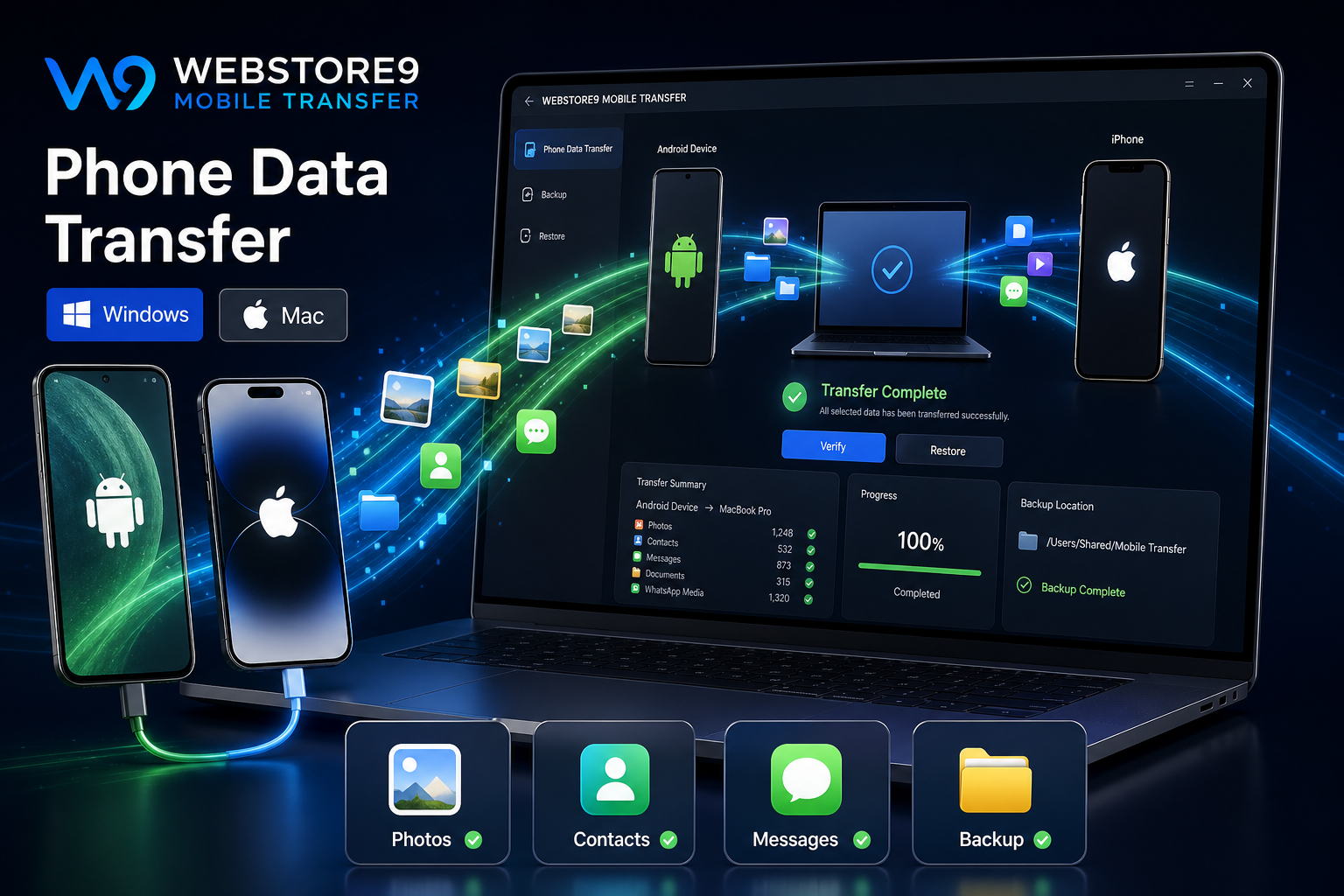
WebStore9 Mobile Data Transfer is explained for Android and iOS users who need a clean way to move photos, videos, contacts, messages, documents, WhatsApp media and phone backup data. The product page keeps the journey simple: download, connect, select, transfer and verify.
Windows and Mac download
Users can choose Download for Windows or Download for Mac and contact WebStore9 for the correct product access, setup and transfer support. This keeps the action clear without making customers search for the right platform.
Choose data categories
Useful transfer software should let users understand what is moving. Common categories include photos, videos, contacts, messages, documents, folders, downloads and WhatsApp media. Category selection keeps the process controlled and easier to verify.
Permission and device trust
Android and iOS devices may ask for unlock, trust, USB, storage or file access permission. Explaining this step helps users understand why the phone must be unlocked and why access is needed before transfer begins.
Backup, verify and restore
After transfer, users should verify folders, open sample files, check contact export and confirm important media before deleting anything from the phone. A clear backup location on Mac or PC makes restore easier later.
WebStore9 Mobile Transfer checklist
- Choose Download for Windows or Download for Mac
- Connect the phone and allow trust or storage permission
- Select photos, videos, contacts, messages and documents
- Transfer with progress tracking
- Verify the backup on Mac, PC or the target device
- Contact WebStore9 support for setup or transfer questions
Ready to discuss this requirement?
Open the related WebStore9 service page or send your requirement with mobile number. WebStore9 can plan the website, app, software, SEO and support workflow according to your business.
Frequently asked questions
Who should read this mobile data transfer software guide?
This guide is useful for Android and iOS users who want to choose WebStore9 Mobile Data Transfer for photos, videos, contacts, messages, documents, WhatsApp media and phone backup support.
How can users get WebStore9 Mobile Data Transfer for Windows or Mac?
Users can choose Download for Windows or Download for Mac, then contact WebStore9 through the website form, help@webstore9.in or WhatsApp 7048959007 for product access, setup and support.
Can Android and iPhone data be moved to Mac or PC?
Yes. Android and iPhone data can be moved to Mac or PC with the right cable, permissions, transfer software, category selection and verification steps.
What should be checked before mobile transfer?
Unlock the device, allow trust or storage permission, check available computer storage, select required data categories and verify the backup before deleting anything.