
LMS portal development for courses, student panels and admissions
Plan an LMS portal for coaching institutes, schools, trainers and online education businesses with course pages, batch management, student and teacher panels, live classes, quizzes, certificates, payments and admissions leads.
Quick table of contents
LMS portal planning for courses, students and teachers
An LMS should be planned around real education workflow. Course categories, batches, student login, teacher login, video classes, documents, assignments, payments and admin reports should be mapped before development starts.
Student panel, course library and learning progress
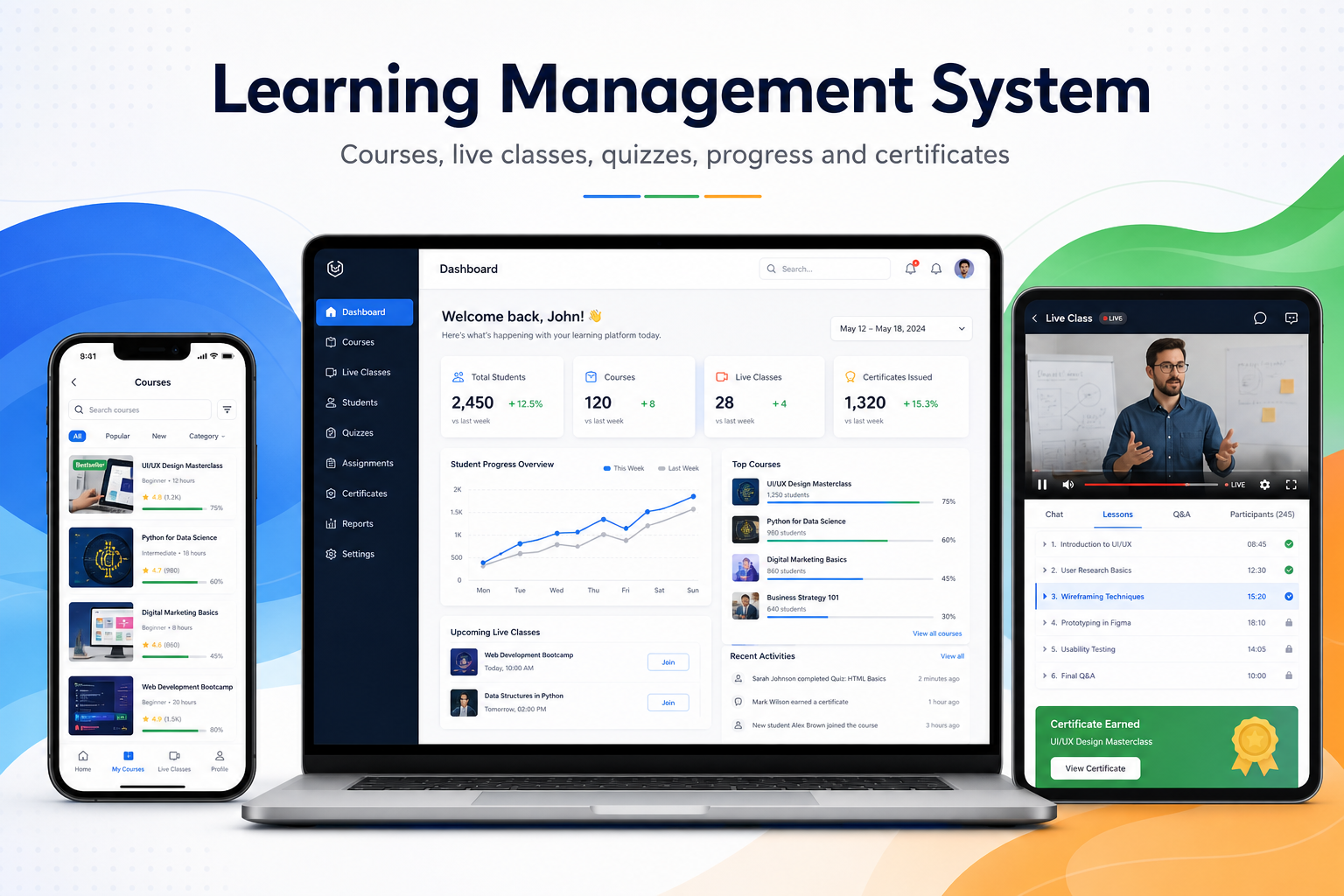
Students need a simple panel where they can view enrolled courses, watch lessons, download study material, attempt quizzes, track progress, view results and receive notifications.
Teacher panel, live class and assignment workflow
Teachers need course upload, live class links, attendance direction, assignment review, student progress view and communication tools. This keeps the learning system structured instead of scattered across many apps.
Quiz, result, certificate and exam modules
LMS portals can include quiz banks, mock tests, timed exams, automatic scoring, manual review, result pages and certificates. These modules improve student engagement and make the system more valuable.
Payments, admin reports and SEO growth pages
For paid courses, the LMS can include payment gateway, subscription, invoices and coupon direction. Search-ready course pages help institutes promote classes and collect admissions leads from Google.
LMS admissions funnel and batch management
An education portal should connect course landing pages with enquiry forms, callback requests, demo-class bookings and WhatsApp follow-up. Admins can assign leads to counsellors, move students through admission stages, manage batches and track fees, attendance and renewals from one dashboard.
For better LMS SEO, create useful pages for each course, subject, batch, location and learning format. Keep every page connected to the relevant LMS service, enquiry form and internal guide so students can discover the right programme and institutes can measure which pages generate admissions.
Ready to discuss this requirement?
Open the related WebStore9 service page or send your requirement with mobile number. WebStore9 can plan the website, app, software, SEO and support workflow according to your business.
Frequently asked questions
What should an LMS portal include?
It should include student panel, teacher panel, course library, live classes, quizzes, assignments, certificates, payments and admin reports.
Can WebStore9 build LMS for coaching institutes or schools?
Yes. WebStore9 can plan LMS portals for coaching centres, schools, institutes, trainers and online education businesses.
Why does LMS need student and teacher panels?
Separate panels keep learning, teaching, uploads, progress tracking and communication organized for each user type.
Can LMS pages support SEO and admissions leads?
Yes. Course pages, batch pages, FAQ and enquiry forms can be planned with SEO structure to support Google visibility and lead generation.