
Best Data Recovery Software Guide for Windows and Mac
This guide explains how to choose data recovery software for Windows and Mac by checking scan options, preview, filters, deleted file recovery, formatted drive recovery and safe restore workflow.
Quick table of contents
Stop using the affected drive first
When a file is deleted, the system may mark the space as available even if the actual data still exists. New downloads, software installs, copy-paste activity or browser cache can overwrite that space. The safest first step is to stop using the affected drive and scan it carefully.
Check simple recovery locations
Before running a deep scan, check Recycle Bin, Trash, cloud sync folders, backup folders, previous versions, Time Machine, OneDrive, Google Drive, external backup drives and email attachments. Many cases are solved when the file exists in a synced or backed-up location.
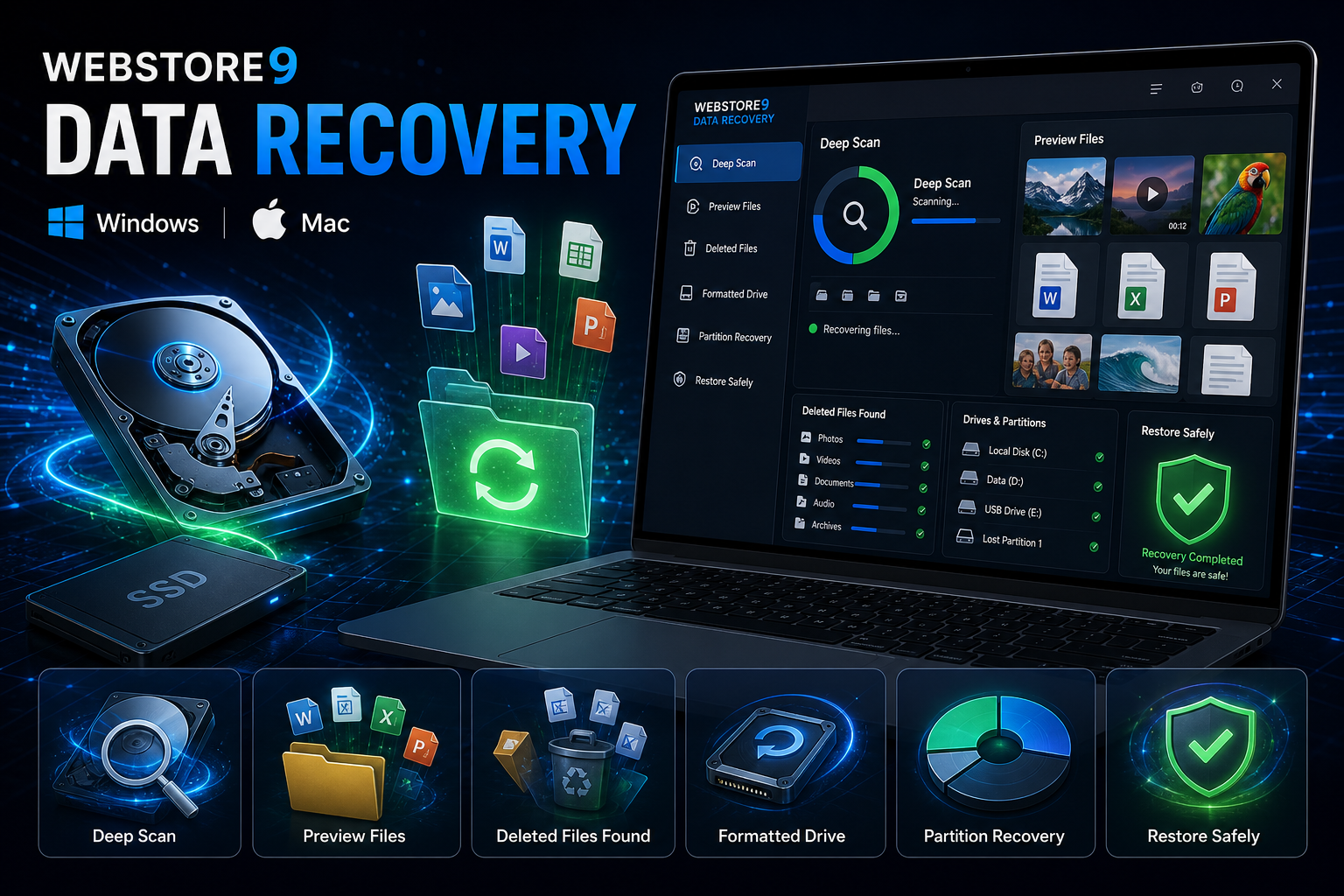
WebStore9 Data Recovery scan, preview and restore
WebStore9 Data Recovery is WebStore9's own recovery software for Mac and Windows. It focuses on deleted file recovery, formatted drive scan, partition review, photo recovery, video recovery, document recovery, scan preview, file filters and safe restore.
The product is easier for users when every recovery stage is visible: select the affected drive, scan carefully, preview recoverable files, choose what matters and restore files to a different drive.
Data recovery software comparison 2026
When comparing data recovery software in 2026, focus on recovery safety first. A useful tool should support Windows and Mac workflows, deleted file recovery, formatted drive recovery, partition scanning, photo and video preview, file filters and a clear restore step that saves data to another drive.
For business users, the decision is not only about the scan button. Check whether the recovery software explains scan status, separates recoverable files by type, avoids writing to the damaged drive and gives support options before risky restore decisions.
- Windows and Mac download options for the right device.
- Deleted file, formatted drive and partition scan support.
- Preview for photos, videos, documents and folders before restore.
- Filters that help users find important files faster.
- Safe restore guidance so recovered files are saved to another drive.
Restore to a different drive
Never restore recovered files to the same drive that lost the data. Use another internal drive, external hard disk or cloud storage. This protects remaining recoverable sectors and keeps the recovery process safer.
Deleted, formatted and partition recovery
Deleted files may still be recoverable when they have not been overwritten. Formatted drive recovery needs careful scanning because folder names and file structure may be affected. Partition recovery helps when a drive section is missing, unreadable or not showing normally.
WebStore9 Data Recovery product steps
The WebStore9 Data Recovery flow is simple: choose Download for Windows or Download for Mac, select the affected storage, run a deep scan, preview photos, videos, documents and folders, then restore selected files to another drive.
- Download for Windows or Download for Mac
- Select hard disk, USB, memory card or partition
- Scan deleted, lost and formatted data
- Preview photos, videos, documents and folders
- Restore recovered files to a different drive
Common mistakes to avoid
Many users keep using the affected drive, restore recovered files to the same location, format again, install tools on the same disk or run repeated unsafe scans. A better recovery decision starts with backup checks, safe scan, preview and restore to another drive.
For WebStore9 Data Recovery, the useful starting point is using the correct Windows or Mac download path, understanding the recovery features and knowing when to stop if the drive may have physical damage.
WebStore9 Data Recovery checklist
- Stop using the affected drive before scanning.
- Check Recycle Bin, Trash, cloud backups and external backups.
- Run scan and preview recoverable files before restore.
- Use filters for photos, videos, documents and folders.
- Restore selected files to a different drive.
Ready to discuss this requirement?
Open the related WebStore9 service page or send your requirement with mobile number. WebStore9 can plan the website, app, software, SEO and support workflow according to your business.
Frequently asked questions
Who should read this data recovery software guide?
This guide is useful for users comparing WebStore9 Data Recovery for Windows and Mac, deleted file recovery, formatted drive scan, partition recovery, preview and safe restore.
How can users get WebStore9 Data Recovery?
Users can choose Download for Windows or Download for Mac, then contact WebStore9 through help@webstore9.in, the website enquiry form or WhatsApp 7048959007 for setup and support.
Can deleted files be recovered?
Deleted files can often be recovered if the storage area has not been overwritten. Stop using the drive and scan safely before copying new data.
What should users do before recovery?
Check Recycle Bin or Trash, cloud backups and external backups first. If files are not found, avoid saving new files to the same drive and restore recovered data to a different drive.