
How to choose a software development company in 2026
Compare software companies for custom software, CRM, SaaS and business apps by workflow understanding, proposal quality, security, source-code ownership, testing, deployment and long-term support.
Quick table of contents
Look for workflow understanding
A good software company should understand the business process before writing screens. CRM, billing, admin panels, portals and SaaS products depend on user roles, data flow, reporting and daily operations.
Ask for clear modules
The project should be broken into modules such as dashboard, user management, products, customers, payments, reports, notifications, API, settings and support tools. This makes cost, timeline and testing easier.
Plan API and admin from the start
Modern software often needs API integration with websites, mobile apps, payment systems, SMS, email, analytics and admin panels. API planning should not be an afterthought.
Test real user journeys
Software should be tested against real tasks: creating records, editing data, searching, filtering, uploading files, exporting reports, handling errors and using mobile screens.
Think about support
Long-term support matters because business software keeps changing. New reports, staff roles, compliance changes, UI improvements and bug fixes are normal after launch.
How WebStore9 helps
WebStore9 pages present custom software, CRM, SaaS, admin panel, business automation, mobile app software and digital product development as connected services.
Compare proposal, security and ownership
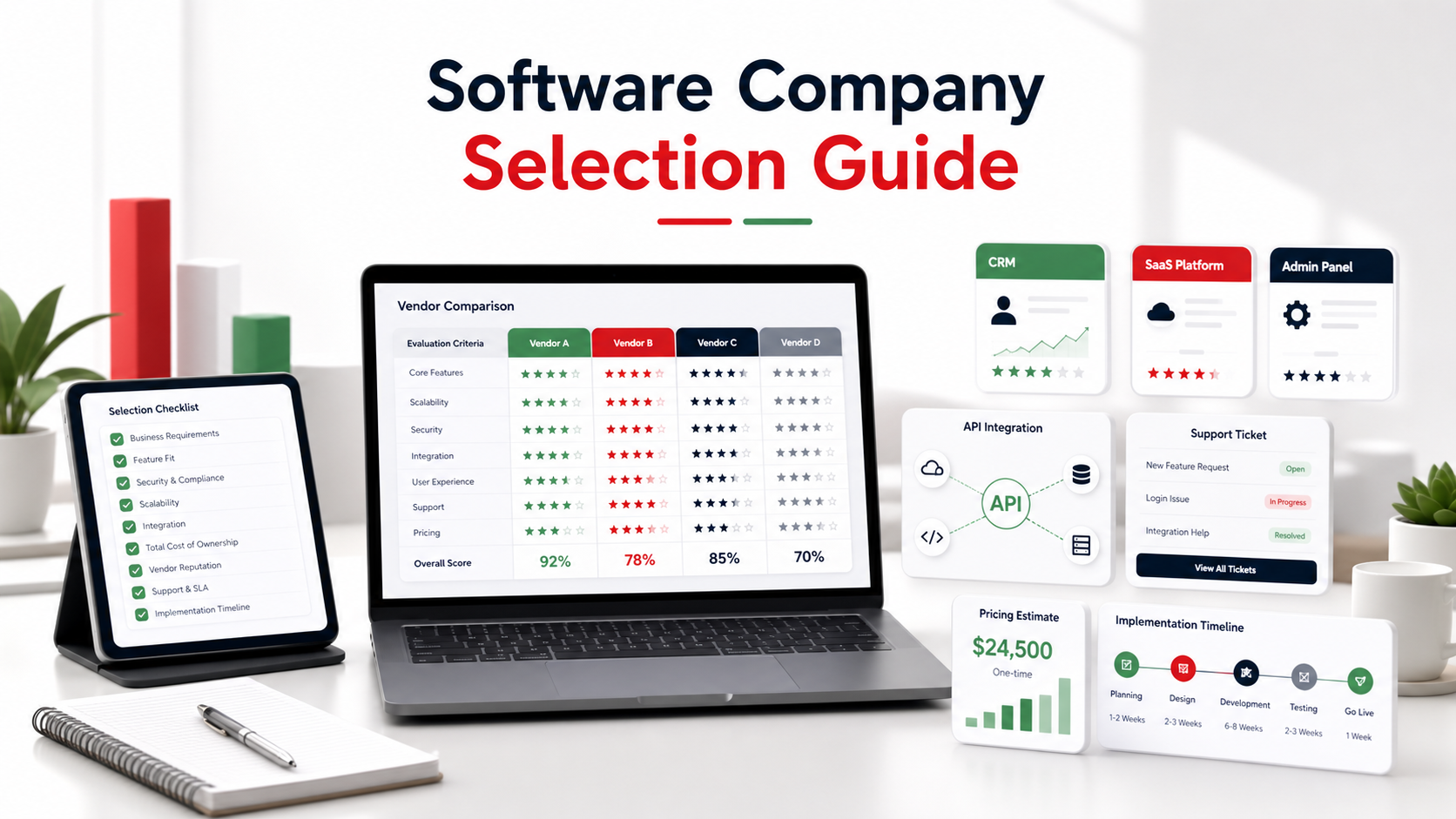
A useful proposal should name the modules, user roles, integrations, milestones, testing responsibility, deployment method and support period. Ask what is included, what depends on third-party services and how change requests will affect cost or delivery time.
Confirm who owns the source code, domain, hosting account, database and design files. For business software, also discuss login security, role permissions, backups, audit history, data export and how access will be transferred if the vendor changes later.
Common mistakes to avoid
Many customers make decisions too quickly by looking only at price, a single feature or a screenshot. A better decision checks the complete workflow: platform support, data safety, customer support, admin control, mobile behavior, future maintenance and how clearly the company explains the solution.
For WebStore9 projects, the useful starting point is a short written requirement. That helps the team understand the customer problem, avoid wrong assumptions and suggest the right page, product, software module or support flow.
WebStore9 implementation checklist
- Document the current business workflow, user roles, pain points and expected result.
- List required modules, reports, integrations, mobile needs and admin permissions.
- Agree on milestones, acceptance criteria, testing responsibility and deployment ownership.
- Confirm source-code, database, domain, hosting and design-file access in writing.
- Plan backups, security updates, data export, support response and future feature work.
Software company evaluation checklist
Shortlist vendors that can explain your workflow in plain language, show how each module connects and identify project risks before development begins. A reliable team should be clear about assumptions, dependencies, testing and what happens after launch.
Technical fit
Check platform experience, API planning, database design, security controls and performance testing.
Delivery fit
Compare milestones, demos, acceptance checks, documentation and deployment responsibility.
Support fit
Confirm bug support, updates, backups, ownership transfer and future development terms.
Ready to discuss this requirement?
Open the related WebStore9 service page or send your requirement with mobile number. WebStore9 can plan the website, app, software, SEO and support workflow according to your business.
Frequently asked questions
Who should read this How to Choose a Software Development Company guide?
This guide is useful for customers comparing WebStore9 services and trying to understand the practical workflow before sending an enquiry.
Can WebStore9 help with a custom requirement?
Yes. WebStore9 can review the requirement through the website contact form or help@webstore9.in and suggest a practical direction for website, software, security, recovery or transfer needs.
Does WebStore9 show public phone numbers?
Customers can use help@webstore9.in, the website enquiry form or WhatsApp 7048959007 for quick WebStore9 project communication.
Why are these guides useful for SEO?
They answer informational search questions and connect visitors to the correct WebStore9 service page and enquiry flow.
How do I choose a software development company?
Check whether the company understands your workflow, can plan modules, designs clean dashboards, builds secure admin panels and gives support after launch.
What should be discussed before software development starts?
Discuss user roles, admin access, reports, billing, permissions, integrations, mobile needs, data security and future feature expansion before development starts.