
How to Plan VPN Software Development for Windows and Mac
Use this guide to plan VPN software for Windows and Mac with the right customer app experience, server location workflow, security controls, admin panel, license flow and support path.
Quick table of contents
What VPN software development includes
A VPN software project needs more than a privacy headline. It needs a working product plan for Windows and Mac users: login, server selection, connection status, disconnect handling, privacy messages, account settings and support.
Windows and Mac VPN client apps
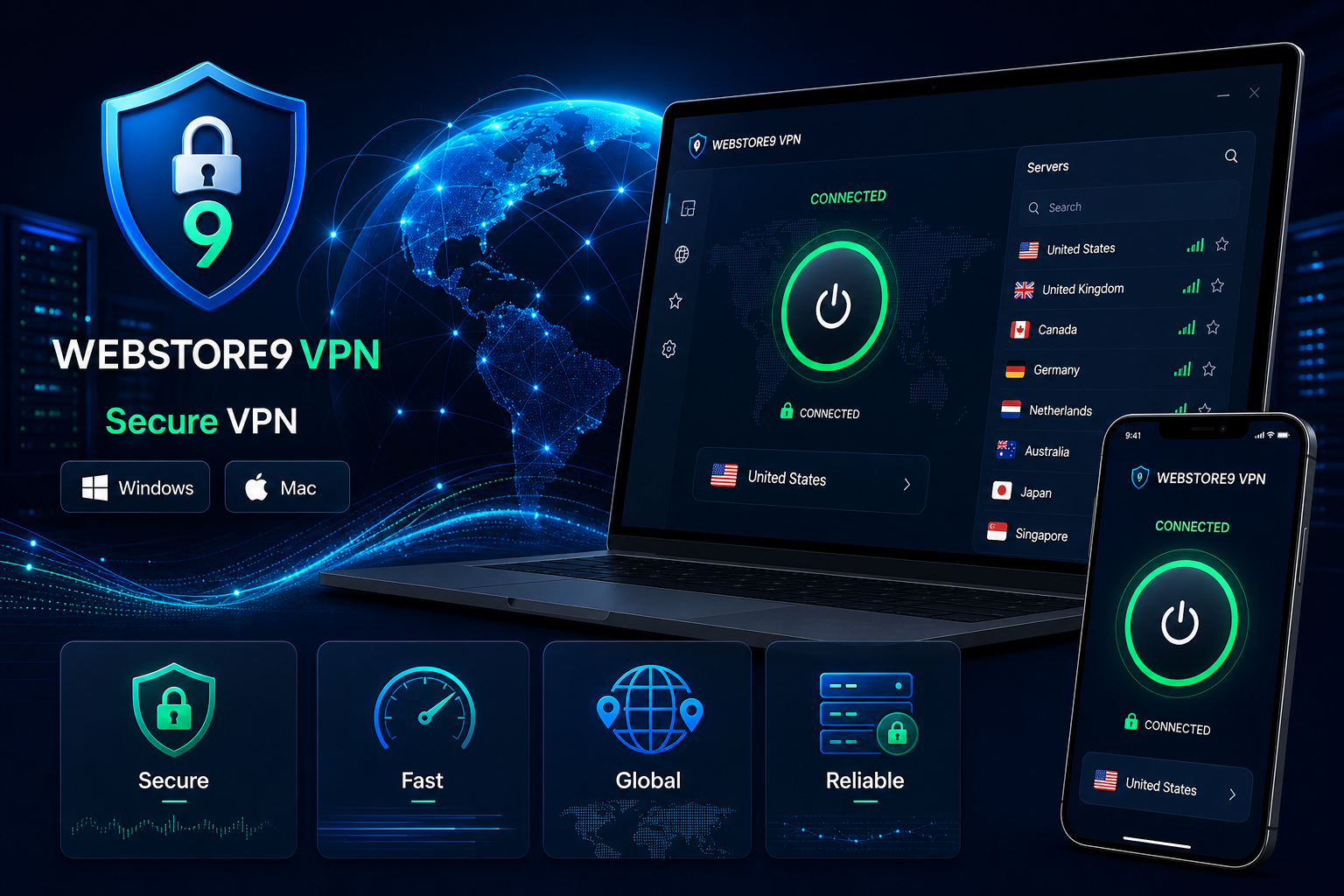
The client app should feel simple. Users need to know whether they are protected, connecting, disconnected or facing an account or network issue. WebStore9 can plan clean app screens for login, server list, connection status, settings, help and update flow.
Server locations and account flow
Server locations should be easy to understand with country, city, latency, favourite locations and recommended servers where needed. Account flow can include login, device limit, plan access, license status and support notes so users do not get stuck after installation.
Security and privacy controls
Important VPN controls can include kill switch planning, DNS leak protection, IP visibility checks, reconnect behaviour, public Wi-Fi warnings and safe browsing guidance. These features should be explained clearly without claiming complete anonymity.
Admin panel for a VPN business
A VPN business needs an admin panel for users, plans, licenses, server records, support tickets, notices and reporting. This backend planning matters because customers may need quick help with account access, device limits, billing questions or connection issues.
VPN development checklist
- Define Windows and Mac platform scope
- Plan server locations, latency and access rules
- Create login, account, plan and device-limit flow
- Add kill switch, DNS protection and privacy messaging
- Prepare admin panel, support workflow and reporting
- Test install, connect, disconnect, reconnect and update behaviour
Ready to discuss this requirement?
Open the related WebStore9 service page or send your requirement with mobile number. WebStore9 can plan the website, app, software, SEO and support workflow according to your business.
Frequently asked questions
What should be planned before VPN software development?
A VPN software plan should define Windows and Mac client apps, login, server selection, connection status, kill switch, DNS protection, admin panel, licenses, reporting and support workflow.
How does this VPN guide help a business?
The guide helps a business compare features, security controls, platform needs, server location workflow and admin requirements before starting a VPN software project.
Does VPN software replace antivirus?
No. VPN software handles network privacy and secure connection workflow. Antivirus handles malware, unsafe files, quarantine and device protection.
How do I start a VPN software project?
Share the Windows and Mac VPN requirement, server needs, account flow, security features and admin panel direction through the WebStore9 enquiry form or help@webstore9.in.