
VPN software development overview
VPN software development is not only a connect button. A useful VPN product needs Windows and Mac client apps, clear onboarding, secure login, server selection, connection status, privacy guidance, support screens and a backend team can manage without confusion.
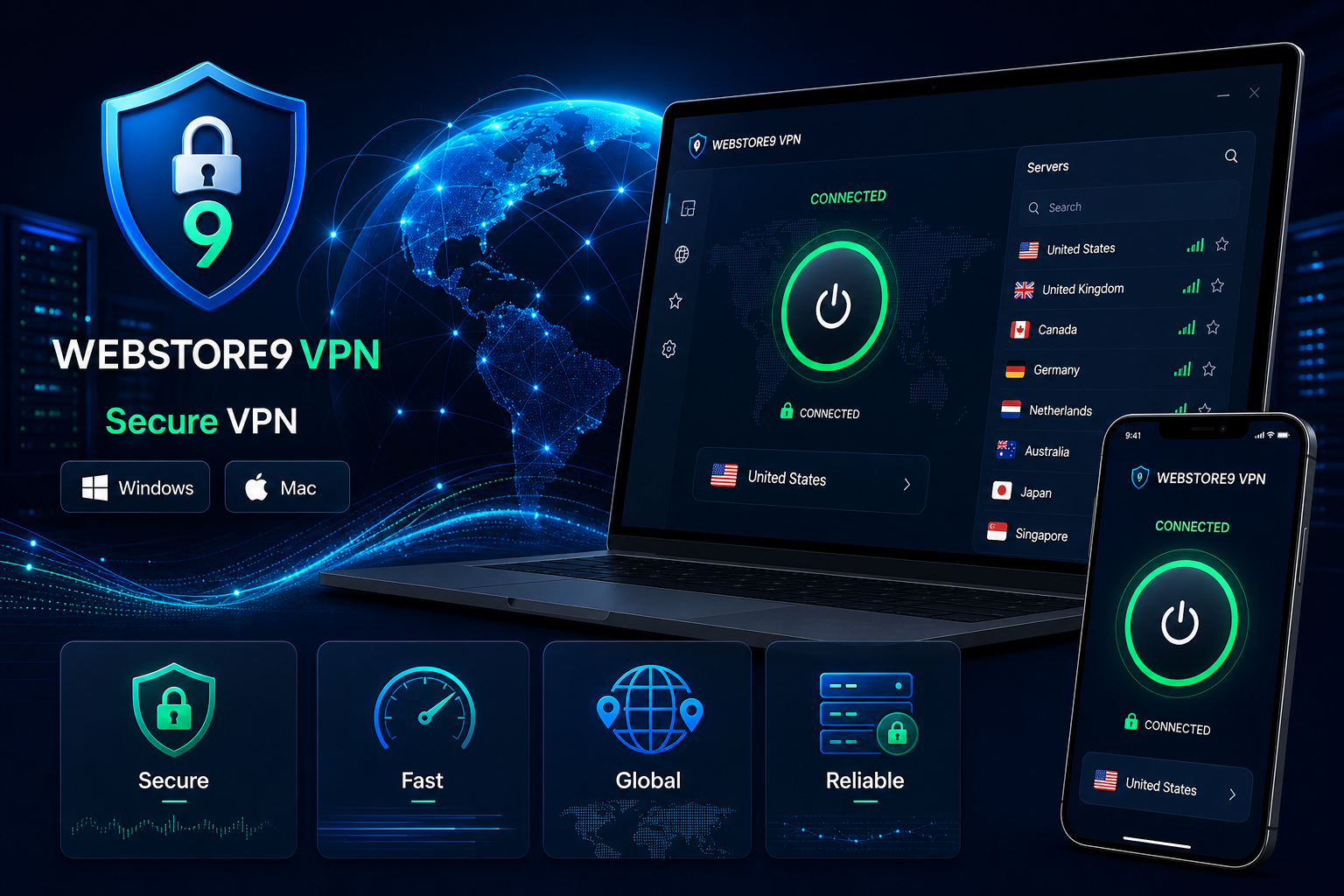
WebStore9 plans VPN software around the real user journey: install the app, sign in, choose a server, connect safely, understand connection health, handle errors and contact support when needed. This keeps the product practical for remote users, business teams, travellers and privacy-conscious customers.
Windows and Mac VPN apps
Windows and Mac users expect a clean desktop app with simple controls, readable status, stable reconnect behaviour and clear messages when a network, server or account issue appears. WebStore9 can plan app screens for login, server list, connect status, settings, account details and support.
- Windows VPN app interface and installer flow
- Mac VPN app interface and permission guidance
- Connect, disconnect and reconnect behaviour
- Simple status for protected, connecting and offline states
Server location and connection workflow
A VPN product becomes easier to use when server locations, speed expectations and connection quality are visible. WebStore9 can structure location selection, country filters, favourite servers, latency display, recommended server logic and connection history according to the project scope.
- Country and city server listing
- Recommended, recent and favourite locations
- Latency, load and connection status display
- Business rules for plan-based server access
Security controls and privacy features
VPN users care about privacy, but they also need understandable controls. The product can explain encryption status, IP visibility, DNS protection, public Wi-Fi safety and safe browsing reminders in human language instead of confusing technical alerts.
- Kill switch planning and unsafe disconnect warnings
- DNS leak protection and IP visibility checks
- Public Wi-Fi and untrusted network guidance
- Clear privacy messages without overpromising
VPN admin panel and license control
A VPN business also needs backend management. WebStore9 can plan admin panels for user accounts, licenses, subscription plans, device limits, server status, support tickets, notices, reports and content shown inside the app.
This makes the VPN software easier to operate after launch because support, billing, plan control and technical updates are connected to a clear admin workflow.
Testing, launch and support planning
Before launch, VPN software should be checked for installation flow, login, server switching, reconnect behaviour, speed, error messages, platform permissions, app update path and support contact flow. WebStore9 keeps these checks visible so the final product does not feel unfinished to customers.
- Windows and Mac install checks
- Server connection and reconnect testing
- Security and privacy message review
- Admin, support and license workflow testing