
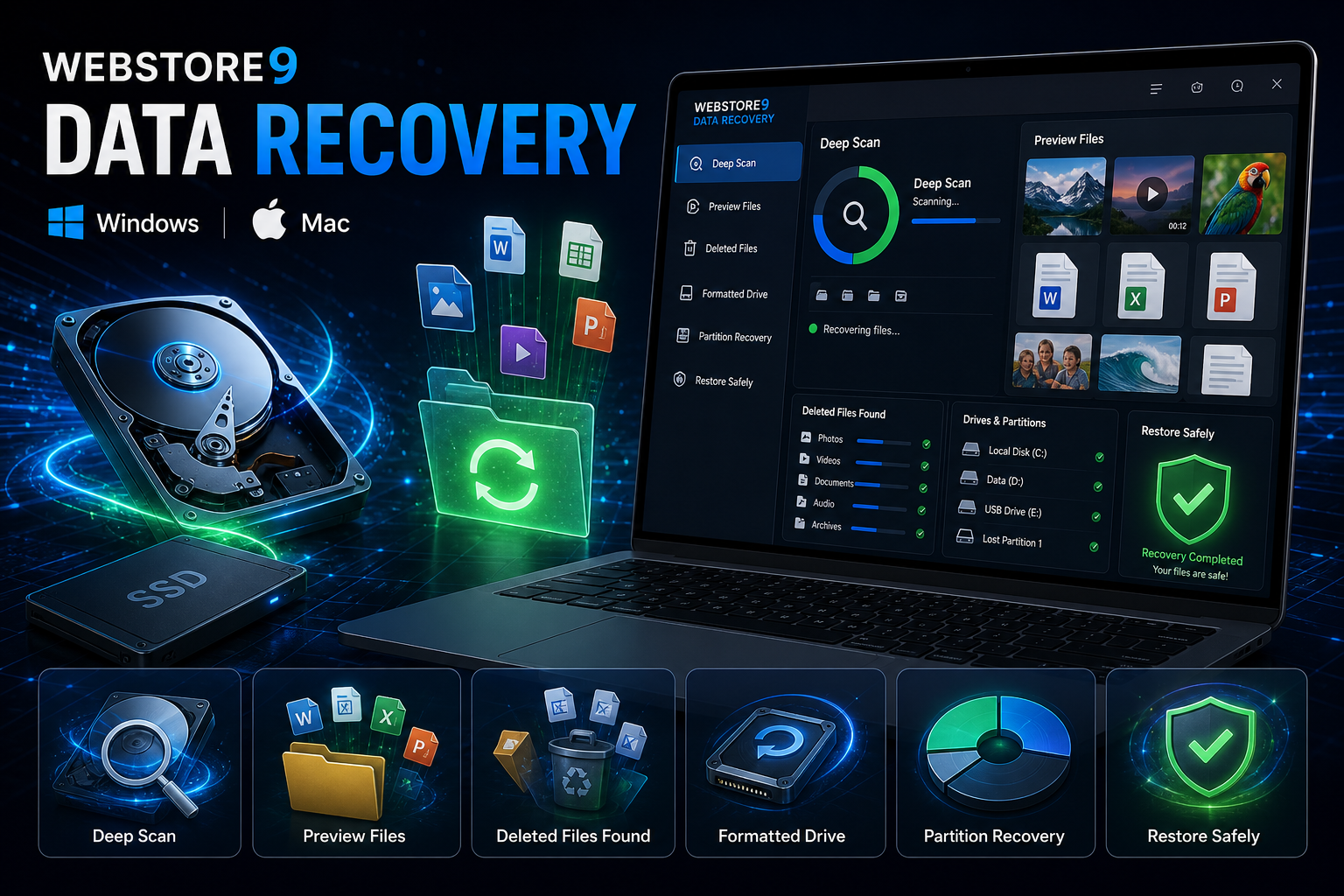
WebStore9 Data Recovery for Windows and Mac
WebStore9 Data Recovery is made for users who need a clean recovery product for lost files. The page explains deleted file recovery, formatted drive recovery, partition scan, photo recovery, video recovery, document recovery, preview, filters, safe restore destination and support in practical language.
The product flow is simple: choose Windows or Mac, select the affected drive, run a safe scan, preview recoverable files, filter the results and restore selected files to another storage location.
- Deleted, formatted and lost-file recovery workflow
- Hard drive, USB, memory card and partition support
- Photo, video, document and folder preview
- Safe restore destination and overwrite warnings
- Clear support direction for difficult recovery cases
How WebStore9 Data Recovery works step by step
First, users choose the correct Windows or Mac download path. Then they select the affected hard disk, USB, memory card or partition. The software flow explains when to use deep scan, how preview helps confirm important files, and why restored data should be saved to a different drive.
This step-by-step structure makes the recovery process easier for normal users because every action has a clear purpose: select, scan, preview and restore safely.
- Select Drive: Choose hard disk, USB, memory card or partition.
- Deep Scan: Find deleted, lost and formatted data.
- Preview: Check photos, videos, documents and folders before restore.
- Restore: Save recovered files to a different drive.
Deleted file, formatted drive and partition recovery
Deleted files may still be recoverable when the storage area has not been overwritten. Formatted drive recovery needs a careful scan because folder names and file structure may be affected. Partition recovery helps when a drive section is missing, unreadable or not showing normally.
WebStore9 Data Recovery keeps these recovery cases easy to understand and adds preview and filters so users can identify the files they actually need before restoring anything.
- Deleted files and folders
- Formatted hard disk, USB and memory card scan
- Lost partition and missing folder review
- Photo, video and document preview
- Safe restore away from the affected drive
Safe recovery, quality and support
Recovery software should avoid confusing users into unsafe actions. WebStore9 Data Recovery explains why users should stop writing new files to the affected drive, avoid restoring to the same location and preview important files before saving.
The page keeps the customer journey clean: choose Windows or Mac, select the drive, scan carefully, preview recoverable files, restore safely and contact WebStore9 support when the case needs help.
- Clear scan progress and file preview
- Readable recovery status for normal users
- Safe restore destination guidance
- Support through form, email and WhatsApp