
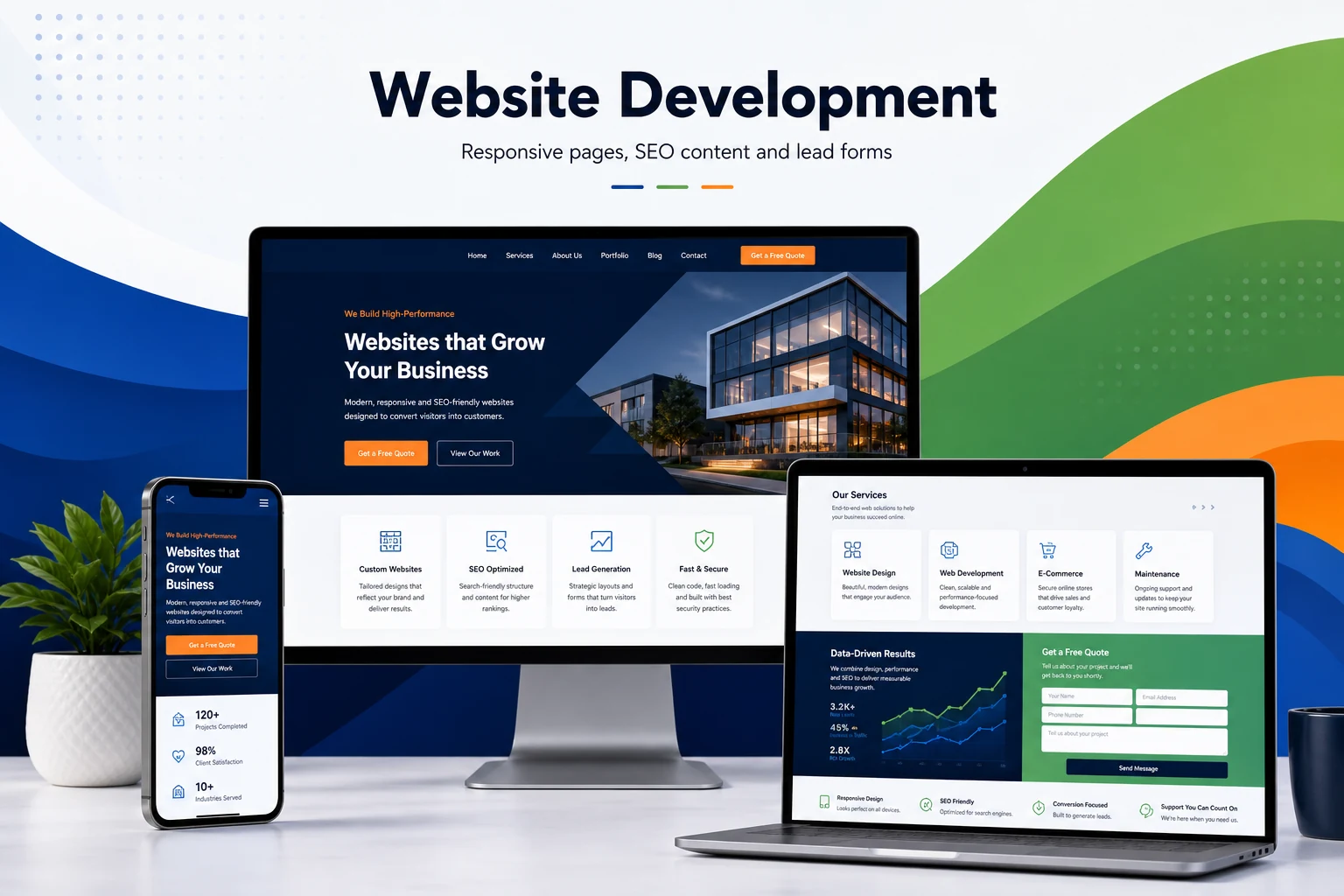
Complete responsive website design flow for every screen size
Responsive website design should make the same content easy to read on mobile, tablet and desktop. WebStore9 can plan flexible layouts, readable text, image sizing, menus, service sections, buttons, forms and spacing so visitors can browse and enquire comfortably.
Good responsive design also supports SEO and conversion because important headings, contact buttons, trust sections and page content remain visible on smaller screens. The design can support website development, ecommerce, app pages, CRM, LMS and landing pages.
- Mobile responsive website planning with readable fonts, clean spacing and clear navigation
- Tablet and desktop layouts that keep service content, images and buttons properly aligned
- Responsive forms, WhatsApp buttons, menus, cards, tables and enquiry sections
- Page speed and image-size direction for smoother browsing on real devices
- SEO-friendly headings, internal links and visible content across all screen sizes
How WebStore9 plans Responsive Website Design
WebStore9 responsive website design focuses on how the same website behaves on mobile, tablet, laptop and desktop. The layout is planned so the headline, service message, navigation, images, forms, WhatsApp button and enquiry actions remain readable and easy to use at every screen size.
Responsive planning also supports search and conversion because customers should not pinch, zoom, hunt for buttons or miss important content on a phone. WebStore9 connects responsive UI with page speed, content order, form usability and service-page clarity.
Customer Need
Businesses looking for responsive website design usually want a site that works cleanly on real devices, not only on a desktop preview. WebStore9 reviews menu behaviour, text size, spacing, image scaling, tap targets, forms and CTA visibility before launch.
This is especially useful for service businesses, ecommerce pages, app landing pages, CRM or LMS enquiry pages and local SEO pages where many visitors arrive from phones.
Related links help visitors compare responsive website design with mobile friendly website design, website design company, business website development and SEO-friendly website development so the selected page matches the project need.
Customer Need
Businesses looking for responsive website design usually want a site that works cleanly on real devices, not only on a desktop preview. WebStore9 reviews menu behaviour, text size, spacing, image scaling, tap targets, forms and CTA visibility before launch.
WebStore9 Approach
This is especially useful for service businesses, ecommerce pages, app landing pages, CRM or LMS enquiry pages and local SEO pages where many visitors arrive from phones.
Page Structure
Related links help visitors compare responsive website design with mobile friendly website design, website design company, business website development and SEO-friendly website development so the selected page matches the project need.
Features and service coverage
- Responsive business websites, ecommerce sites, landing pages, corporate websites, WordPress, Shopify and SEO-friendly web experiences.
- Professional page design with WebStore9 branding, fast loading assets and responsive mobile/desktop layout.
- Clear download, enquiry and contact path using help@webstore9.in and the website contact form.
- Internal links to related services, software products and the main category page.
- Helpful FAQs, clear navigation and trust details for visitors.
- Content written around real customer questions with clear, natural answers.
Customer use cases for Responsive Website Design
Customers usually need responsive website design when they are comparing options, checking platform support, looking for a trusted company, or trying to understand whether the solution will work for their exact situation. WebStore9 keeps this service practical by explaining where the service or software fits, what the user should expect and how the enquiry can move forward.
For website development projects, WebStore9 focuses on responsive layout, clear service explanation, Search-ready content, enquiry flow, page speed, mobile usability, testing and long-term support.
What to prepare before contacting WebStore9
- Share the business type, target users, required pages, software modules or product feature expectations.
- For website and SEO work, share main service terms, service areas, reference websites, content notes and launch timeline.
- For software work, share user roles, data flow, reports, login needs, admin panel requirements and API expectations.
- For Antivirus, VPN, Data Recovery or Mobile Data Transfer products, share the device type, platform, problem type and required support flow.
- Use the WebStore9 contact form, help@webstore9.in or WhatsApp 7048959007 so the enquiry can be reviewed quickly.
Trust and clarity for visitors
This service page connects to related WebStore9 pages and the contact path. It includes clear sections, helpful FAQs, image descriptions, internal links and human-readable copy so customers can understand the topic clearly.
Planning Responsive Website Design around the business workflow
Responsive Website Design is planned around real customer needs, business workflow and lead generation rather than a decorative page or isolated feature. WebStore9 starts by understanding the customer, the business goal, the people who will use the system and the actions that must happen after a visitor, lead or user interacts with it. That discovery step helps define the right pages, modules, content, integrations and administration flow before visual design or development begins.
The implementation can include clean responsive screens, clear navigation, structured content, secure forms, data validation, API connections, reporting and administrator controls. The exact scope depends on the business process and the level of automation required. Responsive Website Design by WebStore9 with responsive design, page structure, conversion sections, mobile-friendly layout, FAQs, related pages and enquiry-ready customer guidance.
- Responsive design for mobile, tablet and desktop
- Clear content hierarchy and conversion-focused calls to action
- Search-ready headings, page details and internal links
- Fast loading assets and maintainable frontend structure
- Enquiry forms, WhatsApp or email contact flow
- Optional CMS, admin dashboard and API integrations
User experience, content and conversion flow
A strong responsive website design experience should guide users from the first screen to a meaningful action. WebStore9 plans headings, supporting copy, visual hierarchy, forms, buttons, trust information and mobile behaviour so the page or product remains easy to understand. Content is organised for real visitors first, with clear page structure, focused headings, useful descriptions, internal links and helpful supporting sections.
The design system is kept consistent across desktop, tablet and mobile. Reusable components reduce visual clutter and make future updates easier. Calls to action are connected to the correct enquiry, purchase, download, support or administration flow instead of ending at a generic page.
- Clear navigation and page hierarchy
- Responsive layouts and readable typography
- Useful images, feature explanations and calls to action
- Consistent cards, buttons, forms and feedback states
- Accessible contrast and customer-friendly interaction
Technology, administration and integrations
Depending on the project, responsive website design may connect with a content management system, database, CRM, payment gateway, email, SMS, analytics, cloud storage or a custom admin panel. WebStore9 maps those connections so information is captured once, stored correctly and shown to the right user. Administrator features are planned alongside the customer-facing screens, because a product is only successful when the business team can manage it efficiently.
Security, permissions, backups, error handling and data validation are considered as part of the workflow. Where third-party services are required, credentials and production settings are kept separate from the frontend so the deployment remains maintainable and safer to operate.
- User roles and permission planning
- Admin dashboard and reporting direction
- API and third-party integration readiness
- Secure form and data-validation flow
- Scalable structure for future modules