Trusted WebStore9 Antivirus pagesSupport | Privacy Policy | English
WebStore9 Antivirus logoWEBSTORE9Antivirus
Product Guide

Scan modes built for everyday security

Complete Scan, Quick Scan and Custom Drive Scan give customers clear choices for daily checks, deep system review and removable drive security.
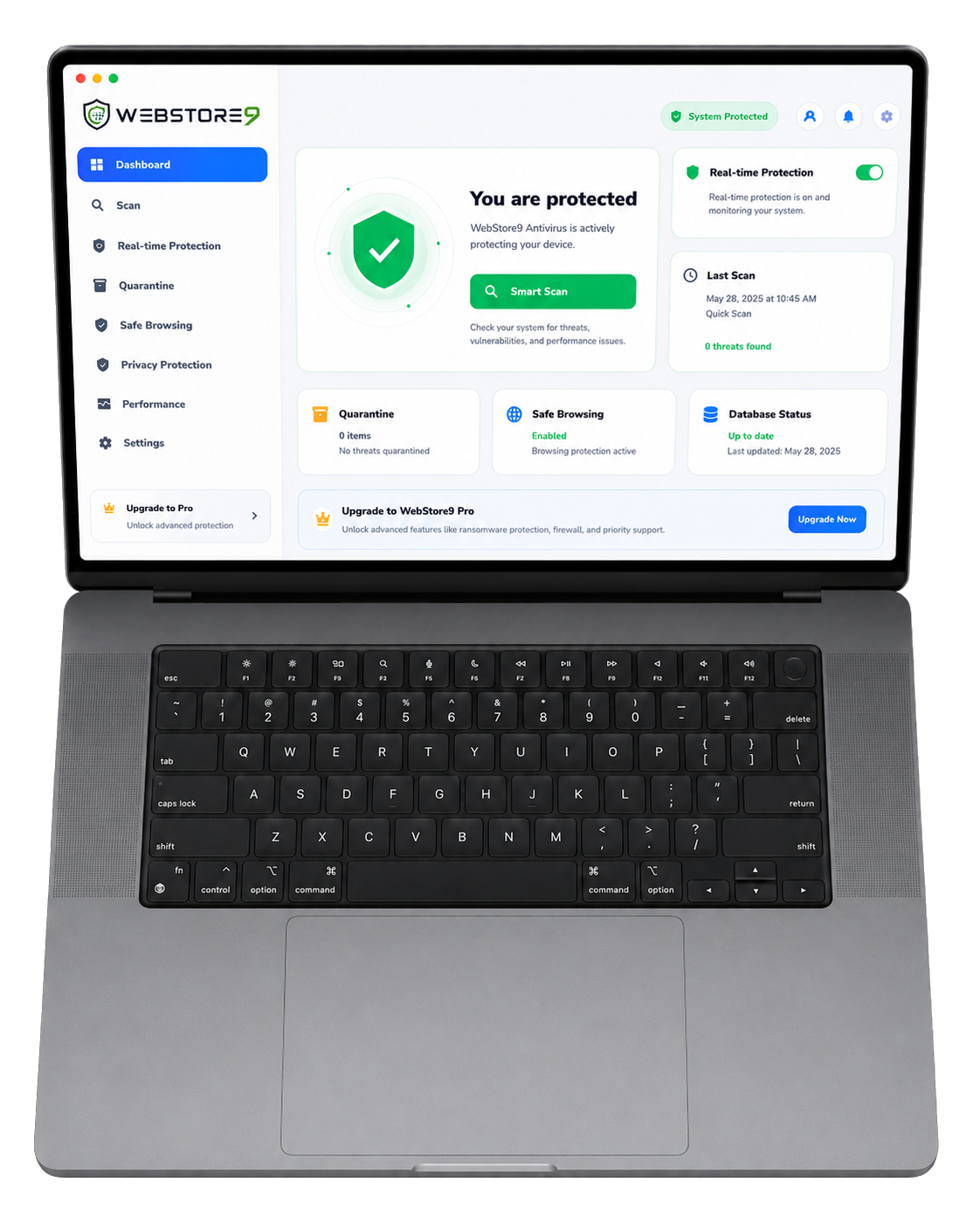
WebStore9 Antivirus scan mode dashboard on laptop
WebStore9 AntivirusMac and Windows protection with safe scan controls.

Complete Scan

Complete Scan is presented as a full security sweep with progress, live log and action controls. It is ideal when the user wants a complete health check across common system areas, user folders, downloads and removable locations.

  • Full progress visibility with scanned item counts
  • Warnings, threats, skipped items and duration shown clearly
  • Review-first workflow before quarantine or delete
  • Useful for monthly device checks and after suspicious downloads
WebStore9 Antivirus scan dashboard on laptop

Quick Scan

Quick Scan focuses on everyday risky locations so users can run a fast check without waiting for a full device sweep. It is designed for downloads, browser-related areas, startup items and common malware locations.

  • Fast routine scan for daily use
  • Checks common locations where unwanted files appear
  • Useful after installing new software or opening unknown files
  • Clear result summary for non-technical users

Custom Drive Scan

Custom Drive Scan lets the user choose a drive, USB device or folder for focused review. This is important for external disks, client drives, office backups and shared storage.

  • Choose a drive or selected folder
  • Useful for USB, external hard drive and shared folders
  • Shows reasons and paths when a file needs attention
  • Supports safe review before any destructive action

Key capabilities

Complete Scan

Full sweep with progress, duration and result summary.

Quick Scan

Fast daily check for common risk areas.

Custom Drive Scan

Focused scan for USB drives, folders and external storage.