Trusted WebStore9 Antivirus pagesSupport | Privacy Policy | English
WebStore9 Antivirus logoWEBSTORE9Antivirus
Product Guide

iPhone, iPad and Android phone transfer

Phone Transfer helps users move photos, videos, documents, audio and supported app files to the Mac with guided steps and local output folders.
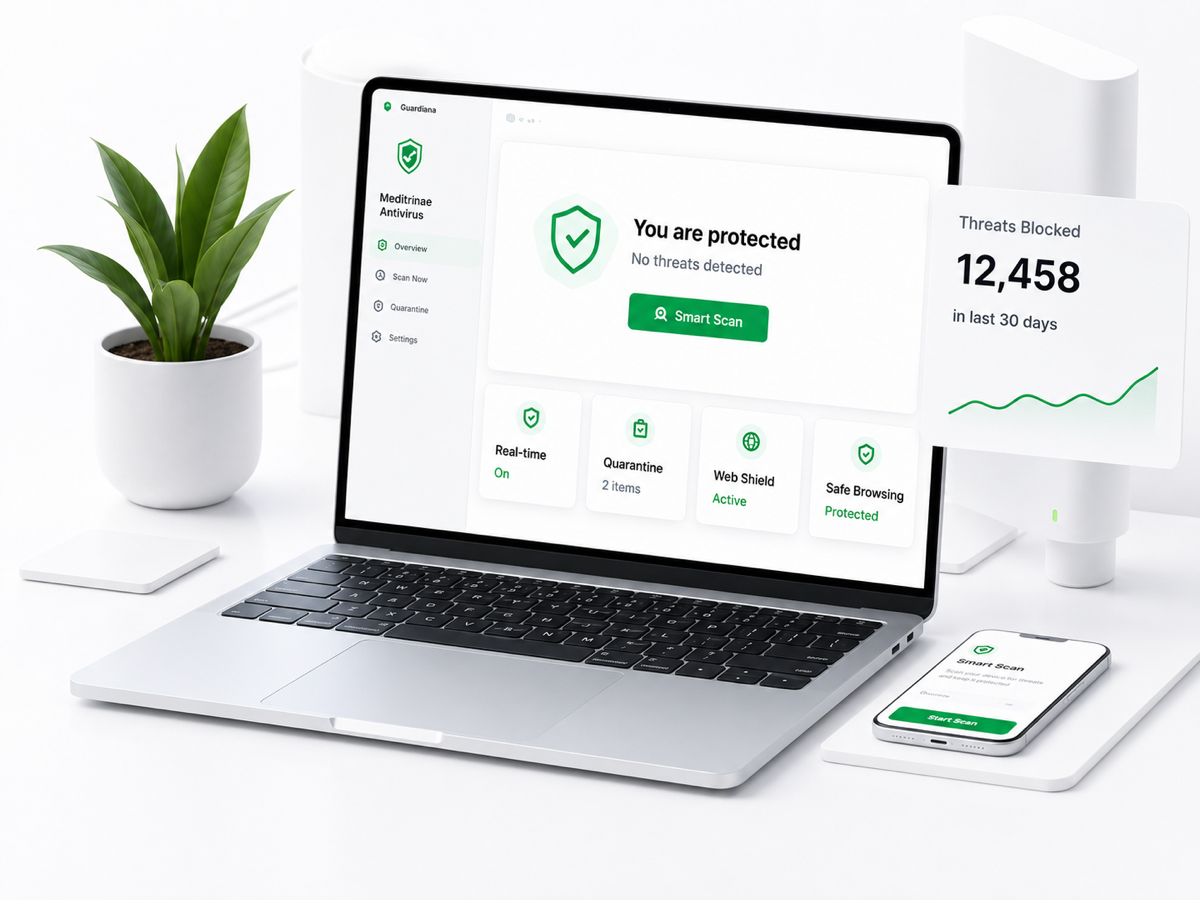
WebStore9 Antivirus product dashboard
WebStore9 AntivirusMac and Windows protection with safe scan controls.

Phone Transfer overview

Phone Transfer is positioned as a useful local device transfer tool inside WebStore9. It helps customers transfer selected phone data into organized local folders.

  • Transfer iPhone, iPad or Android data with guided steps
  • Category-based transfer for photos, videos, documents and audio
  • Local staging and user-visible output folders
  • Generated transfer cache can be reviewed and cleaned safely
WebStore9 Antivirus visual

iPhone and iPad transfer

iOS flows should clearly explain Trust prompts and Apple permission limits. Customers should know when they need to unlock the phone, trust the computer and choose allowed categories.

  • Trust prompt guidance
  • Selected import instead of confusing bulk copy
  • Local folder output
  • Clear note about Apple permission limits

Android transfer

Android flows should explain USB/file-transfer mode or debugging approval where needed. The copy should remain simple and honest.

  • USB transfer mode guidance
  • Category-based import
  • Local staging folder
  • Safe cleanup of temporary transfer cache

Key capabilities

iPhone import

Guided iOS trust and selected file import.

Android transfer

USB and file transfer mode guidance.

Local backup

Visible output folders and clean cache.