Trusted WebStore9 Antivirus pagesSupport | Privacy Policy | English
WebStore9 Antivirus logoWEBSTORE9Antivirus
Product Guide

Quarantine and privacy-first review

WebStore9 keeps user decisions clear: skip for later, quarantine for safety, and delete only by user choice where appropriate.
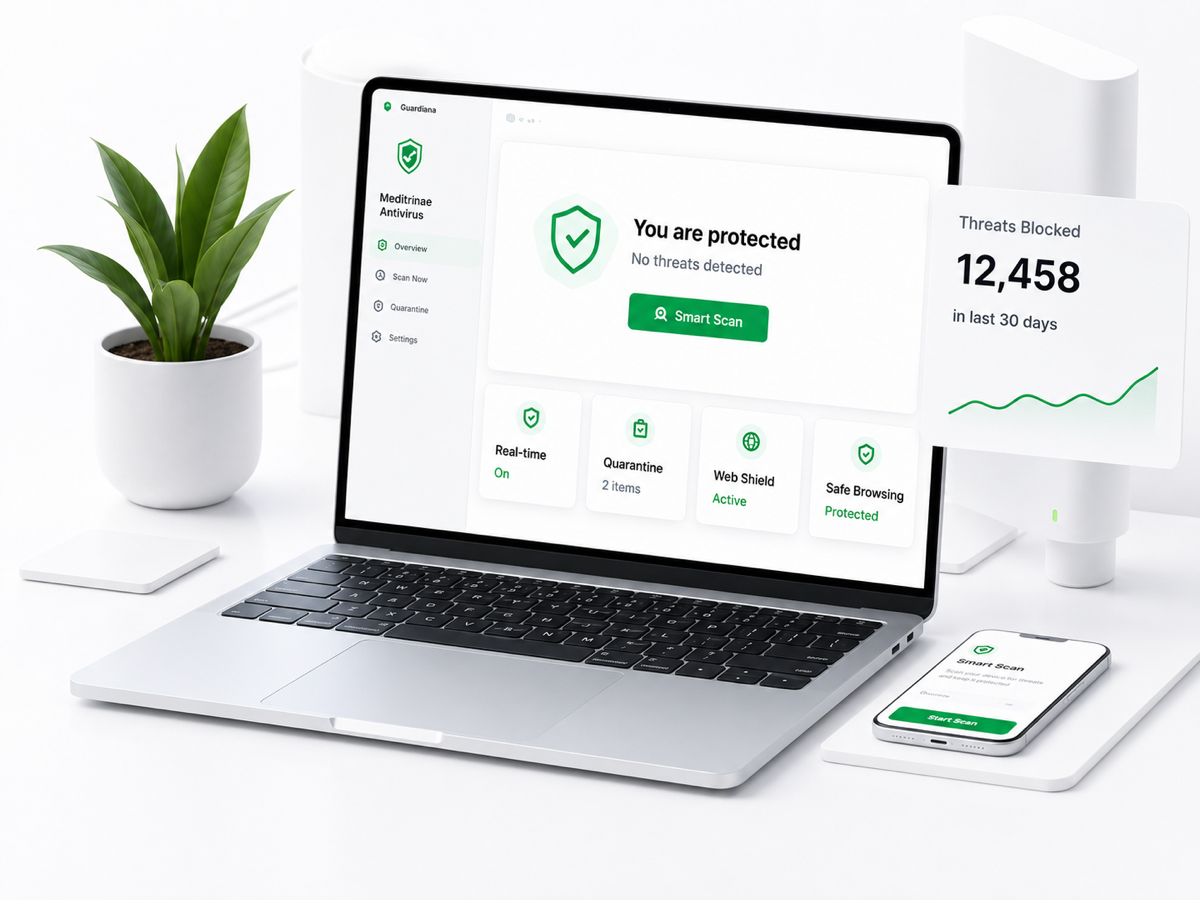
WebStore9 Antivirus product dashboard
WebStore9 AntivirusMac and Windows protection with safe scan controls.

Threat Review screen

Threat Review is the professional decision screen for suspicious or dangerous files. It should show the file, reason, path, risk level and available user actions in simple language.

  • File name, path and risk explanation
  • Reason shown without panic language
  • Skip, Quarantine and Delete options where appropriate
  • Recommended action explained in plain words
WebStore9 Antivirus visual

Quarantine Vault

Quarantine safely isolates risky files for later review. This helps customers avoid accidental deletion and gives them time to check whether a file is truly unwanted.

  • Isolate risky files from normal use
  • Review later before permanent removal
  • Restore only when the user understands the risk
  • Keep quarantine history visible

Privacy story

Trust copy explains local-first scanning, user-controlled actions, safe quarantine and privacy-first cloud reputation. Cloud checks should use fingerprints and metadata before considering content upload.

  • Local-first scanning where possible
  • No automatic deletion as a marketing claim
  • User-controlled decisions
  • Privacy-safe reputation checks

Key capabilities

Review first

Users see the reason before action.

Safe isolation

Quarantine protects against accidental deletion.

Privacy-first

Fingerprint checks before personal content.