
What scan modes are available?
WebStore9 explains Complete Scan, Quick Scan and Custom Drive Scan so customers can choose a full review, a fast daily check or a focused scan for a folder, USB drive or external disk.
Search answers about scanning, quarantine, safe browsing, data recovery, phone transfer and download support.
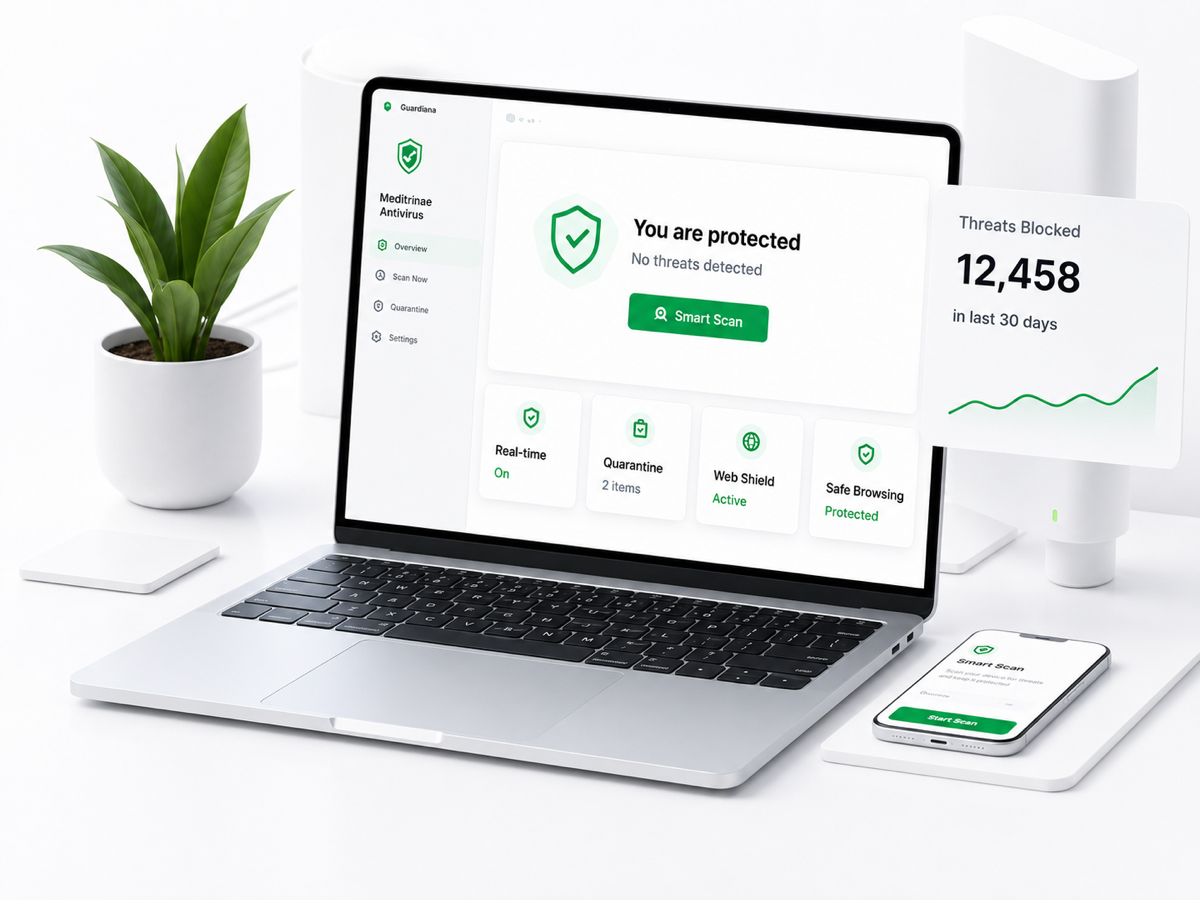
WebStore9 explains Complete Scan, Quick Scan and Custom Drive Scan so customers can choose a full review, a fast daily check or a focused scan for a folder, USB drive or external disk.
The public copy should stay clear: WebStore9 focuses on review-first decisions. Users can skip, quarantine or delete where appropriate, and destructive actions should not be hidden.
Quarantine isolates risky files so they cannot be used normally while the customer reviews them later. This helps avoid accidental permanent deletion.
WebStore9 should describe cloud intelligence as privacy-aware fingerprint and reputation checks first, not default personal file upload scanning.
Safe Browser can warn about phishing pages, malicious URLs and risky downloads, with warning pages that explain why something may be unsafe.
No recovery page should promise impossible results. Recovery depends on overwrite risk, drive condition and file-system health. WebStore9 explains safe output folders and scan reports.
This antivirus download page offers Windows and Mac options only. Phone Transfer content may support iPhone, iPad and Android transfer workflows.
Email help@webstore9.in for installation, license, billing, security, recovery and transfer help.
No matching answer found. Email help@webstore9.in and WebStore9 support will help.